RPG Reactor
The free, open-source RPG engine built for creators who want more.
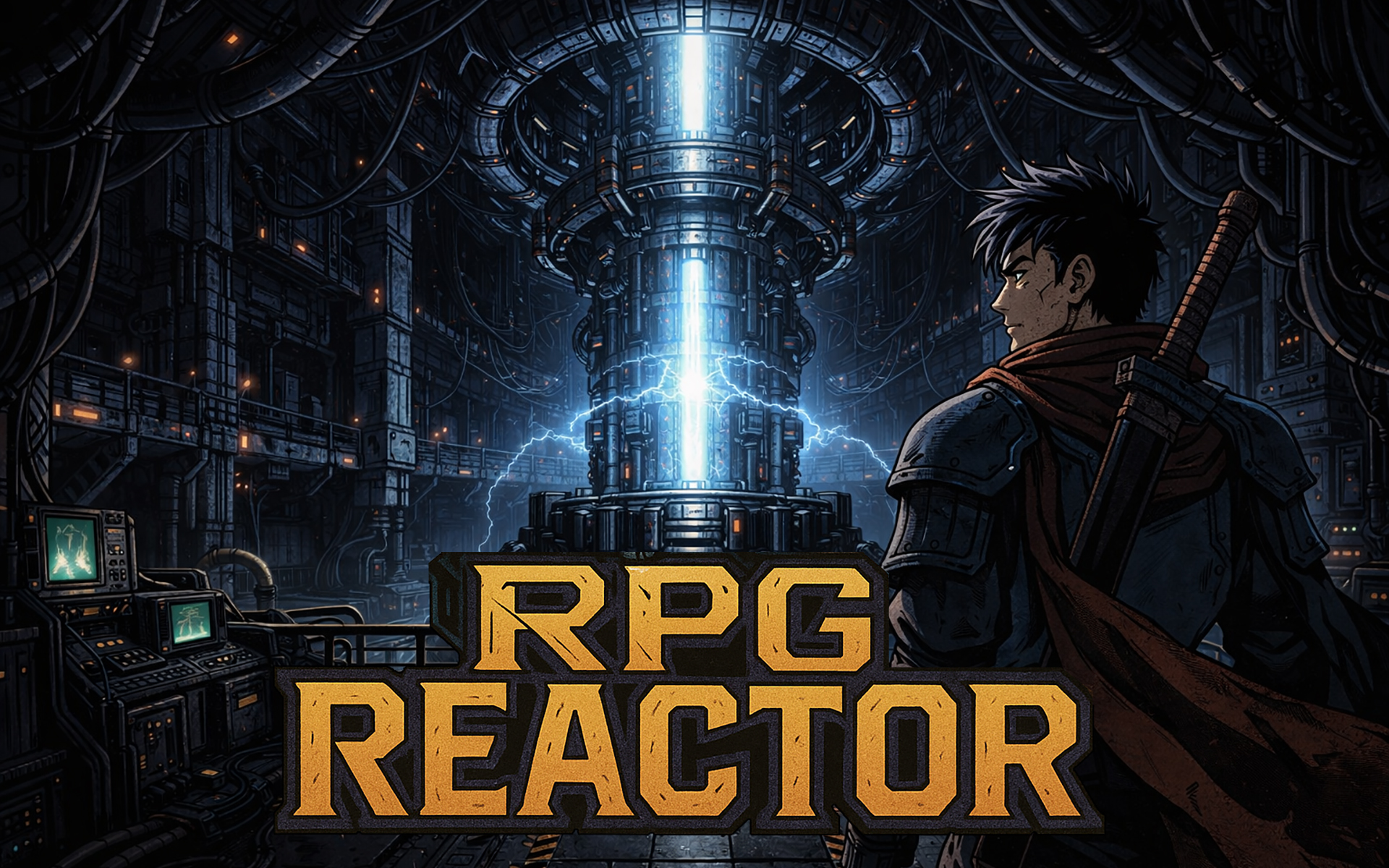
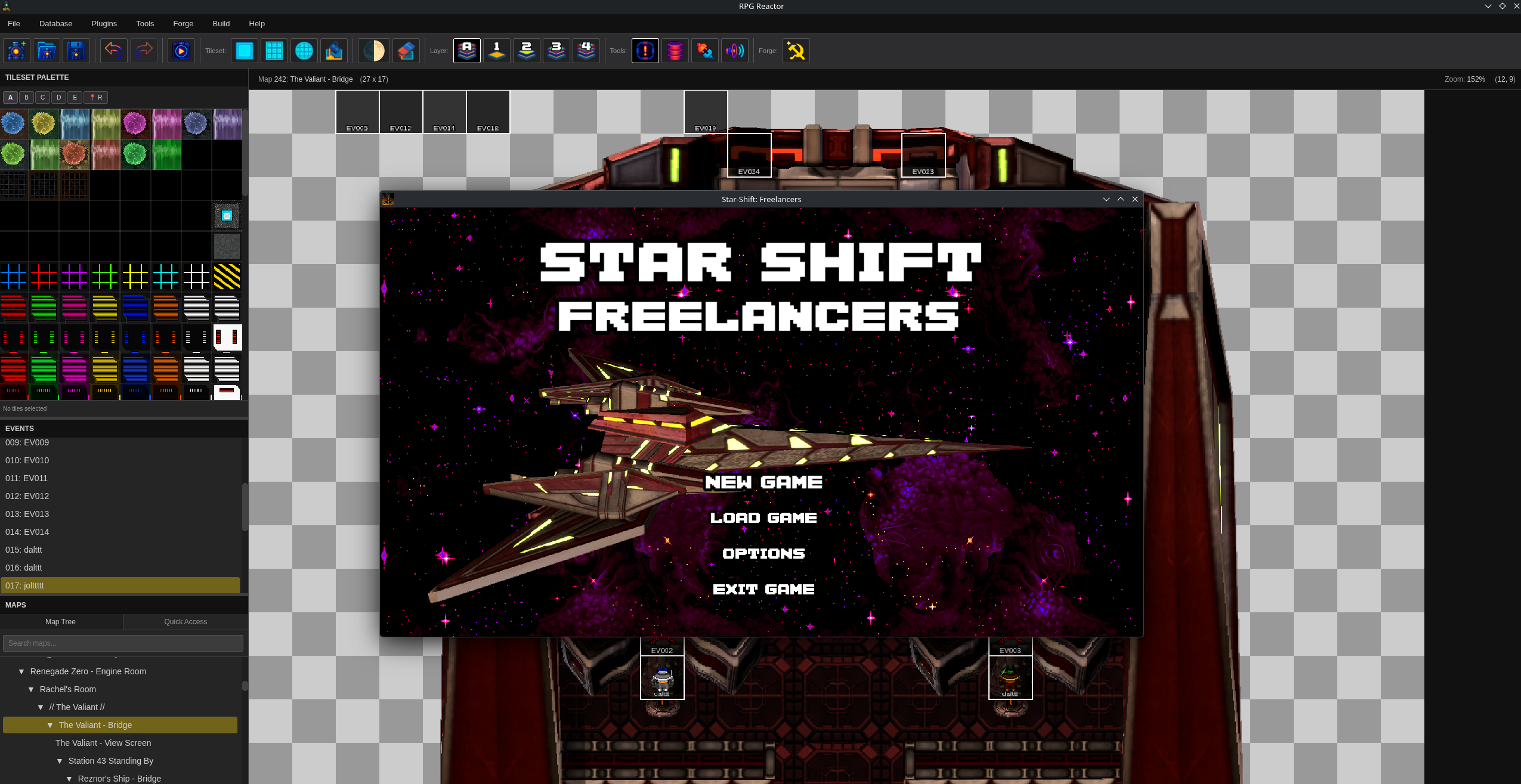
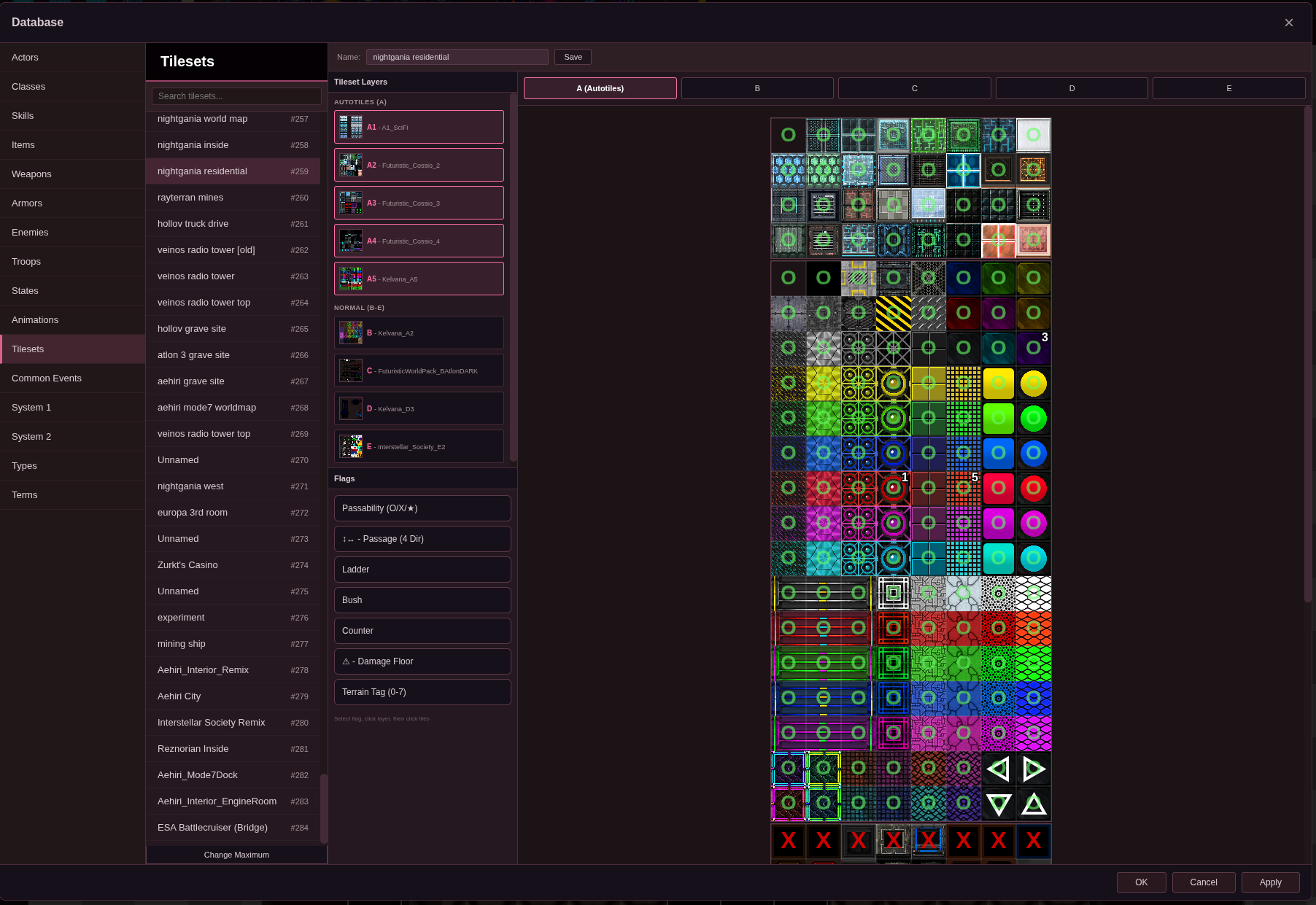
RPG Reactor is a new open-source RPG editor and runtime built for RPG Maker-style projects, and is a reaction to RPG Maker, hence the name. It has a modernized foundation: a new editor, updated tooling, and a PixiJS 8-based core script.
The goal is simple: keep the familiar RPG Maker workflow, but push beyond RPG Maker’s current limits.
RPG Reactor currently supports opening existing projects and running them through the new Reactor core. It is generally backwards compatible with RPG Maker-style projects, but this is still Alpha software, so not every plugin, project, or edge case has been tested yet.
Current Alpha notes:
- Opening projects works.
- Creating a brand-new project currently working.
- The included demo project for New Project is Reactor One.
RPG Reactor is designed to work on Windows, Mac, and Linux.
What RPG Reactor is aiming to improve:
- Modern PixiJS 8 rendering instead of the older RPG Maker renderer.
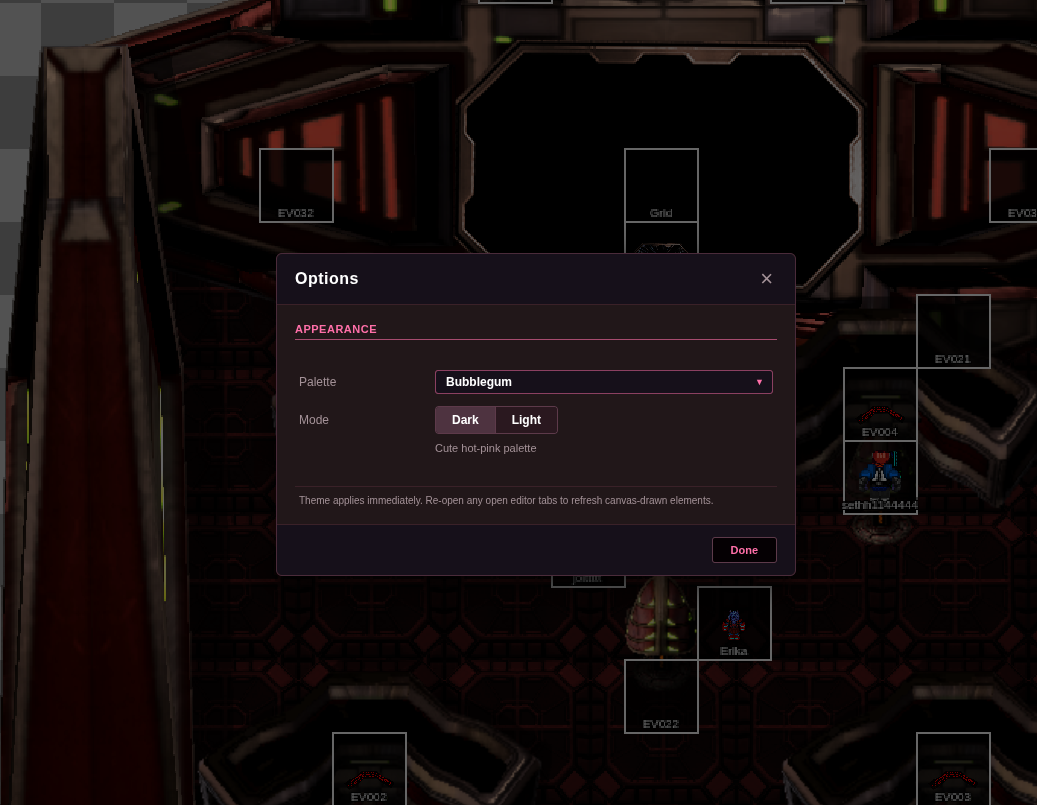
- A new editor built for faster iteration.
- Better project tooling and deployment options.
- Built-in asset creation tools through Forge.
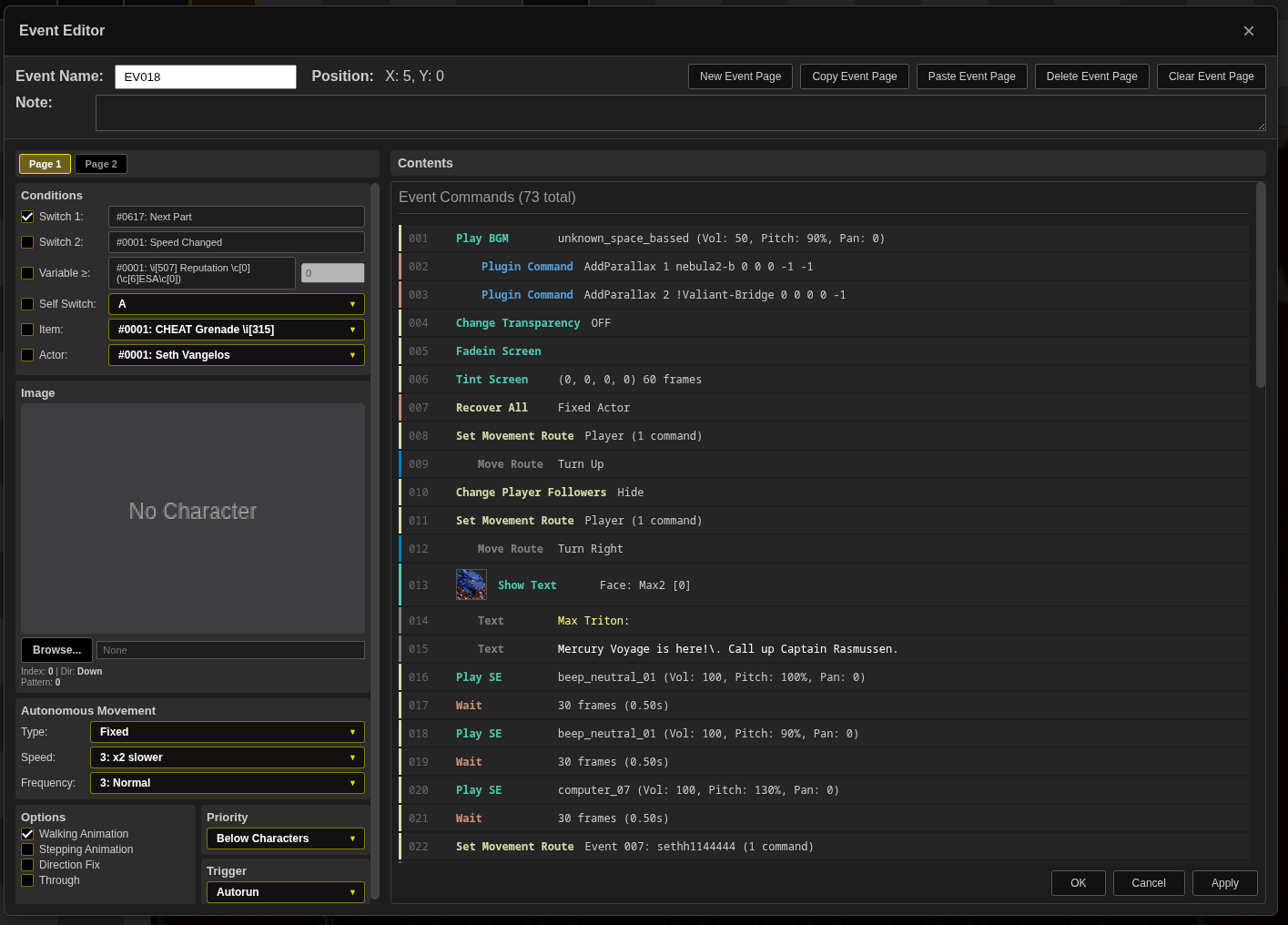
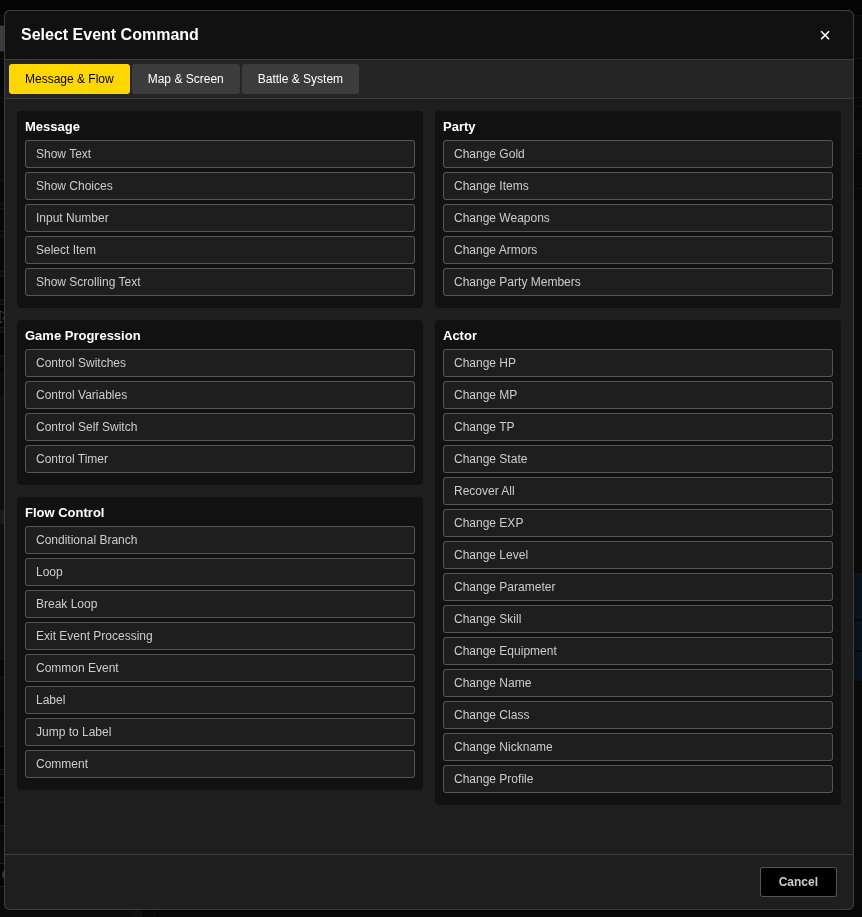
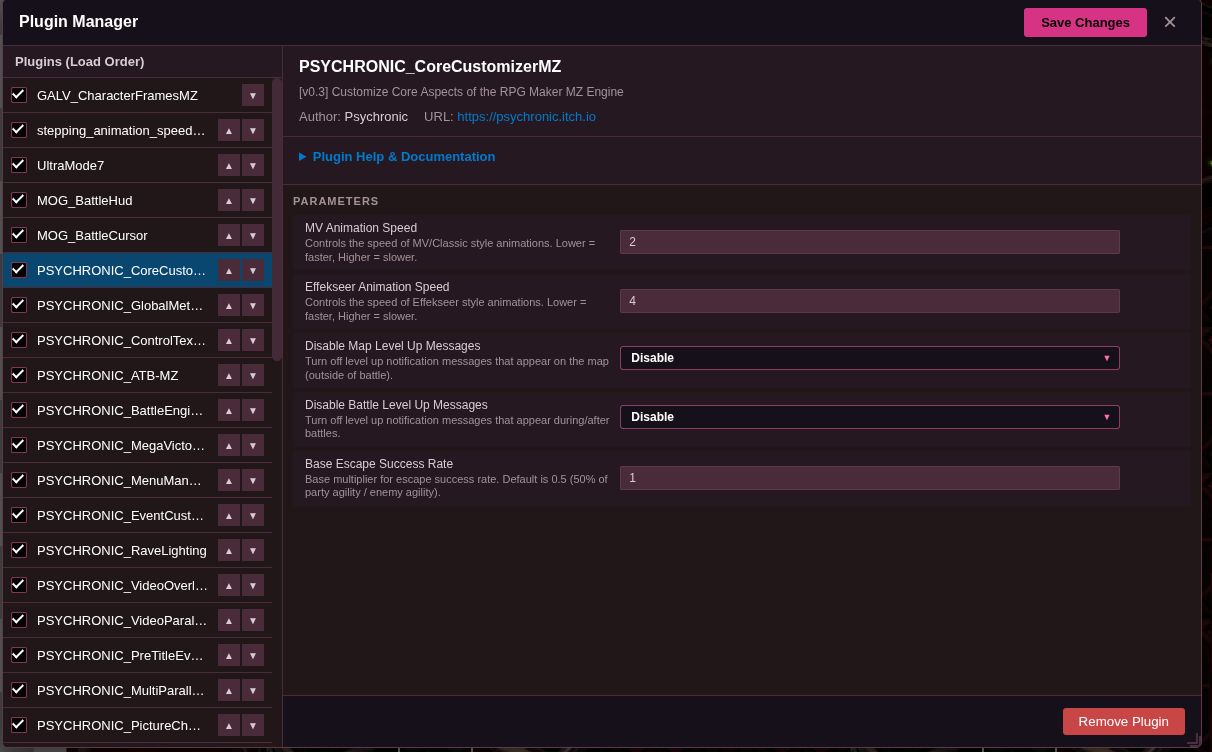
- More flexible event, database, map, audio, and plugin workflows.
- A path toward features RPG Maker does not currently offer out of the box.
This is an early Alpha, but it works, and it is already far enough along to start sharing with the community.
If you are interested in the future of RPG Maker-style development, try it out, open the included project, and see where RPG Reactor is headed.
Also if you’d like to work together to make the project better than ever, let me know, I’m game.
Created by Psychronic. Developed with the help of Claude Code/Codex/OpenCode. MIT License
Download
Click download now to get access to the following files:
Development log
- RPG Reactor Updated to 0.94.17 days ago
- RPG Reactor Alpha 0.9 Release!28 days ago
Comments
Log in with itch.io to leave a comment.
Feedback & Suggestions for the Editor (Linux + RPG Maker MZ Compatibility)
Unknown 109 in Common Events (Linux-specific issue)
Rendering issues when running from the editor (Linux)
NW.js bundle issues
The bundled NW.js option does not work reliably.
In many cases, it still downloads NW.js even when a bundled version should already exist.
It would be beneficial to:
Export/deployment path not saved
Deployment improvement: locale/language file management
It would be very useful to add an option during deployment to select which locale files to include.
RPG Maker MZ currently does not provide this level of control.
Example use case:
Removing unused locales significantly reduces final build size (tens of megabytes in my case), so integrating this into the deployment pipeline would be a strong optimization.
Reload / simulate browser restart shortcut (F5)
Fullscreen support for the editor
AppImage distribution for Linux
Providing an AppImage version of the editor would greatly improve Linux usability.
Benefits:
This would make the Linux experience much more consistent and accessible.
Built-in asset compression during bundling
It would be very valuable to integrate asset optimization directly into the export/bundle process.
Suggested optimizations:
PNG compression using Oxipng
OGG audio optimization
Benefits:
Overall suggestion
Thank you for the feedback, all in the works! Some of those have been fixed in the latest built as well.
No problem! Thanks to you for this useful tool, yes i update to latest version i have using 0.93.1, now in the latest i notice some fixes!
Ok went through the backlog of requests you made, and they're all implemented at this time, thanks!
Awesome thanks!
Ok even more items have been added, if you've got anymore requests, please let me know, all ideas are welcome!
I am having trouble with using the eraser tool (it doesn't want to erase) and when trying to playtest (nothing happens when clicking on the playtest button).
For the Play test issue, what OS are you on and is your project an MV or MZ project?
I am using Windows 11 and my project is an MZ project.
Ok, I just updated to 0.93. Give it another try! I was able to troubleshoot and fix the playtest issue, but I was able to erase things just fine on the map, so if I have an idea of how that bug is triggered, I can get that fixed too. Thanks for letting me know.
It still does not work. Do you have any direct way of communicating? Maybe a screenshare via discord or some way to send a log file?
Discord Invite:
https://discord.gg/kc2pTMb
Playtest also won't work for me.
Workin' on it. Works totally fine on my machine so I'm trying to reproduce the error to find the exact cause. I'm sure it's something stupid/simple.
Can you confirm you're on Version 0.93? Help section on main menu should tell you what version you're on.
Well well well this was not on my bingo cards
It is now!
And I am very impressed, the fact that I could load my existing project is in fact very welcome. Open source, that is a true gift for specific customisations that people who are autistically obsessed with some things (such as level 100 as max) will do.
this needs a lot of documentation for people who will just delve into it
Yes, as it goes along I'll make sure to keep the documentation thorough and up to date. It will keep gettin' better!
Then again, it's you, the author of these amazing plugin. Fault is on me for not expecting something like this.
RPG Reactor (Alpha 0.9) – Early Impressions
After spending some time exploring RPG Reactor Alpha 0.9, I came away genuinely impressed by what it already offers. While it's still in active development, the foundation feels surprisingly solid and ambitious.
What immediately stands out is that RPG Reactor doesn't feel like a simple clone of existing RPG creation tools. It takes familiar concepts from classic RPG-making software and expands on them with additional systems and customization options that give creators more flexibility. The editor is approachable enough for beginners while still offering enough depth to keep experienced developers interested.
The engine's workflow feels intuitive, and many features are designed with usability in mind. Even at this stage, it's clear that the developer has put considerable thought into reducing common frustrations that often come with game creation tools. The added functionality beyond traditional RPG makers opens up possibilities for more unique game designs without forcing users to dive deep into programming.
Of course, being an Alpha 0.9 release, there are still rough edges. Some features could benefit from further polish, and occasional bugs or incomplete systems are to be expected. However, none of these issues overshadow the engine's potential. In fact, what makes RPG Reactor exciting is how much it already accomplishes before reaching a full release.
Overall, RPG Reactor is shaping up to be a promising game development engine with a clear vision and plenty of room to grow. If the current development pace continues and the existing systems receive further refinement, it has the potential to become a compelling alternative for indie developers and RPG enthusiasts alike.
Rating (for an Alpha build): 8.5/10
A highly promising project that already demonstrates creativity, flexibility, and a strong foundation for future development.
The customization potential is insane!
There's like a micro universe of tools and plugins for RPG Maker but way better and stands on its own.
Only a computer wizard could have made this!
slightly interested in seeing what it can do with my mv project, tho the vibe coded bit is a cause for concern, especially if the code might not be documented/understood very well. I'm assuming there has yet to be external testing?
Test away if you want. I know my coding fundamentals and have developed multiple projects the traditional way, even though the advancement of AI coding tools has allowed me to hack this out relatively quickly over the last few months on the weekends. I want it to get better and better though. But it's not just vibe coded, I can look at the components and organize them and understand them and how they connect to each other, etc, but the manual drudgery is gone now, which is great!
fair enough, as long as you know what you're doing.
considered downloading the Windows build yesterday, but the almost 5 gig package steered me away. my machine doesn't have the space for something that bloated.
hopefully later refactoring can improve that.
Most of that 5GB is the demo project inside for reference, not the app itself. You can build from source if you want, or remove the demo project after download.
ah, got it. I'd probably separate the demo from the build download if I were you.
i still cant fully believe what im reading .... ,opensource.... cannot comprehend...
We can build it the way we want! Let's do it!
Cool, I already have plans how to use it!
Awesome, it will continue to improve, still some rough edges here and there, but I take the project seriously and it will just keep getting better and better.
Pretty cool Alpha, keep up good work!
Will do, it will keep getting better.